Move your creator list and relationship history into CultureX
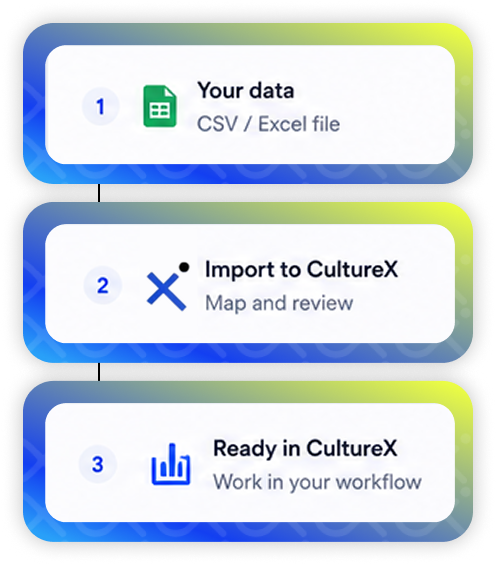
Import existing creators through CSV or Excel, including the relationship records your team relies on. CultureX gives those records a working place in your creator workflow, ready for the next campaign brief and shortlist
Start with the creator records your team wants to retain. Import the agreed CSV or Excel into CultureX, then use those records as the starting point for the next campaign.
1. Prepare the creator list
Agree the creator records to move, then export the working list as a CSV or Excel.
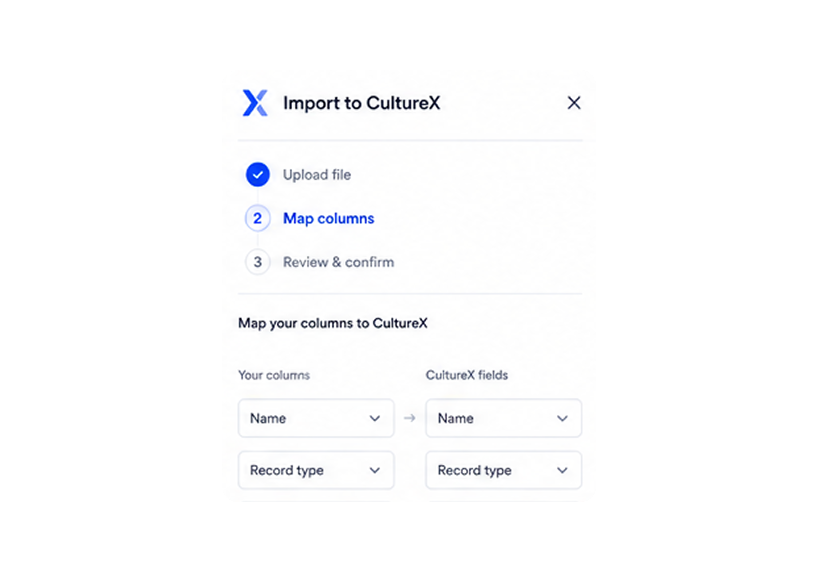
2. Import the records into CultureX
Bring the list into CultureX as creator relationship records, so the team has a shared place to work from when planning the next campaign.
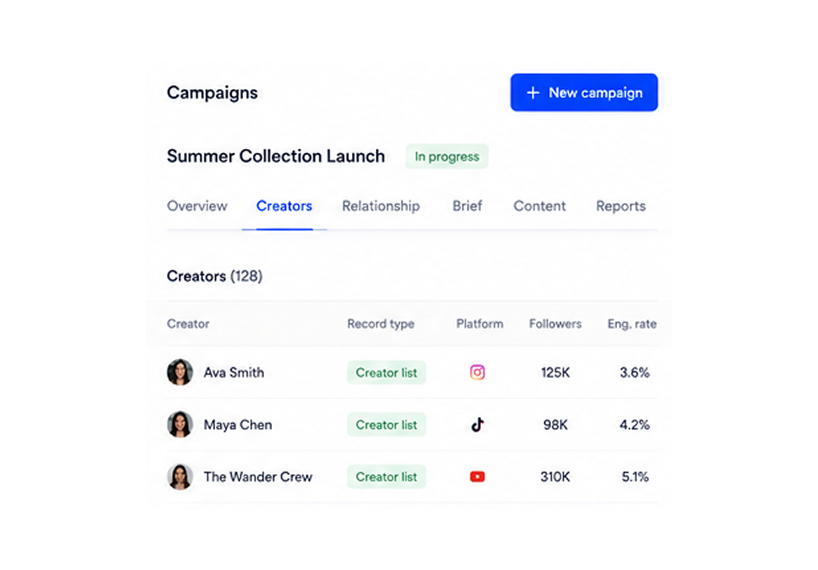
3. Launch the first campaign
Save relevant creators to a Bucket, turn the shortlist into a Media Plan, and continue with the campaign work your team chooses to run in CultureX.
WITH CULTUREX
Migration questions
What format should our data be in?
Migration uses CSV or Excel files. During Enterprise onboarding, CultureX reviews the export with your team and agrees the migration approach.
What can I monitor with CultureX?
Review competitor accounts, creator activity, top content, brand mentions, keywords, hashtags, sentiment, buying-intent signals, and market trends over a selected time period.